
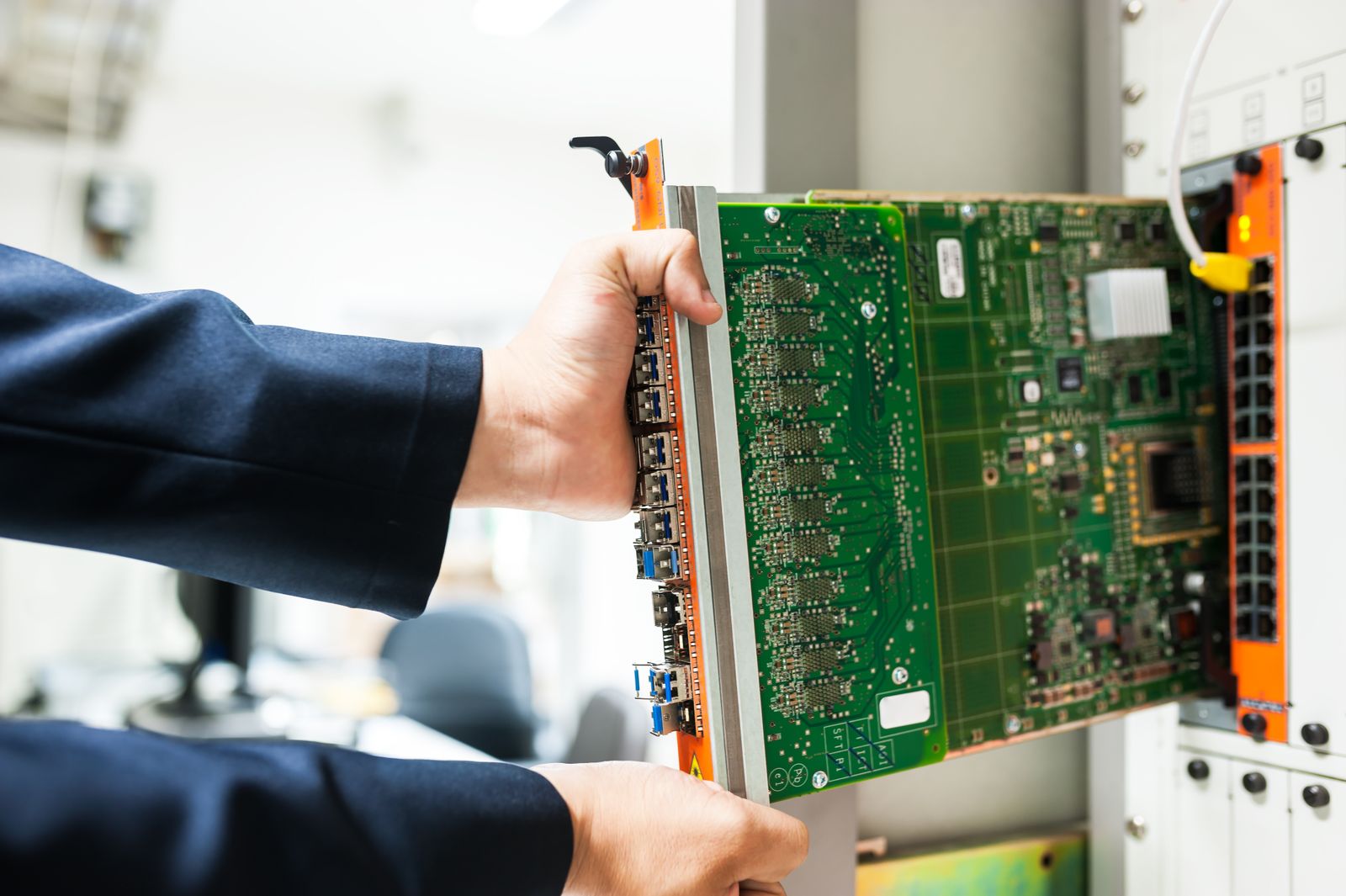
Enterprise IT services / information systems
Enterprise Information systems
Connect fragmented systems, data and infrastructure so daily operations can run and grow with a clear foundation.
01Value of a coordinated build
Make systems serve the business
Once teams, systems and locations must work together, information systems work is more than buying software: processes, information and the operating foundation must connect.
Start from real workflows, reduce duplicate entry and manual handoffs, align key definitions, and make system ownership clear for growth and daily operations.
- 01Reduce duplicate entry and manual handoffs
Let business information move through defined workflows and interfaces instead of manual copying and verbal handoffs.
- 02Align information definitions
Bring business objects, fields, permissions and exception ownership into one discussable scope.
- 03Support growth and stable operations
Leave usable records and clear ownership as workflows change, systems expand and maintenance continues.
WHEN / NOWWhen to review the systems
These signals call for a systems and process review.
- 01Departmental silos
Each team has tools, but cross-team work requires repeated confirmation and manual re-entry.
- 02Data is hard to share
The same business object has different definitions across systems, with unclear interfaces, permissions and ownership.
- 03Tools no longer fit the workflow
The business has changed, but existing systems and configuration cannot carry the new way of working.
- 04The system exists but is not usable
Real integration testing was missing before launch, and records, contacts and a maintenance path are missing after delivery.
02How Yuqi works
Start from the actual environment
We first understand the processes and systems in use, then plan around real priorities rather than assuming one product or infrastructure answer.
- 01Assess what can stay
Review workflows, applications, data, versions, capacity and operating ownership before deciding what can continue.
- 02Coordinate applications and the foundation
Coordinate application ownership, open interfaces, permissions and servers, storage and network infrastructure.
- 03Deliver in priority phases
Use business importance, dependencies and go-live windows to plan configuration, migration, integration testing and acceptance.
- 04Make testing and handover usable
Leave test records, interface notes, change paths, contacts and operations handover evidence for continued use.
PROCESS / current state to delivery
- 01Current business stateExisting systems · business workflows
- 02Retain-or-change assessmentRetain-or-change decision · dependency mapping
- 03Coordinate the buildApplications + data · infrastructure
- 04Phased deliveryPriorities · integration testing · acceptance
03Service scope
What we can provide
We support the build stage according to existing systems, business goals and implementation conditions. The exact scope follows confirmed requirements, ownership and resources.
- 01
Baseline assessment and requirements
Map workflows, departmental systems, definitions, permissions and ownership into a build scope the team can review.
- 02
Blueprint and implementation planning
Use business priorities, system-retention decisions and launch windows to define application boundaries, interface tasks and phases.
- 03
Server, storage, network and security selection, supply and deployment
Support selection, supply and deployment against the operating conditions, checking compute, storage, network, identity and security boundaries.
- 04
Business-system integration and interface testing
Coordinate fields, synchronization, exceptions and scenario checks across applications with open interfaces, permissions and vendor support.
- 05
Data migration and go-live coordination
Coordinate data preparation, migration windows, cutover steps, business validation and issue records.
- 06
Agreed maintenance and optimization
Maintain operating records, change history and optimization items within the agreed scope, reviewing use and capacity over time.
Scope noteService scope, software licenses, vendor support and maintenance arrangements are confirmed against the existing systems and project needs.
04Business relationship map
Systems collaborate with clear ownership
Align application ownership, data collaboration, infrastructure capacity and security/operations responsibilities for build, testing and maintenance.
BUSINESS RELATIONSHIP
- 01Business applications
Carry workflows, roles, business objects and verifiable outcomes.
- 02Interfaces and data
Coordinate in both directions around open interfaces, field definitions, sync direction and exception ownership.
- 03Infrastructure capacity
Servers, storage, network and identity access provide a stable foundation.
- 04Security and operations control plane
Permissions, logs, versions and operating ownership cut across every layer.
Business applications and interface data collaborate in both directions; infrastructure provides capacity, while security and operations run across delivery and operations.
Applications own the workflow and business outcome.
Check fields, master data, synchronization and exception ownership in both directions.
Infrastructure provides capacity while security and operations cut across the layers.
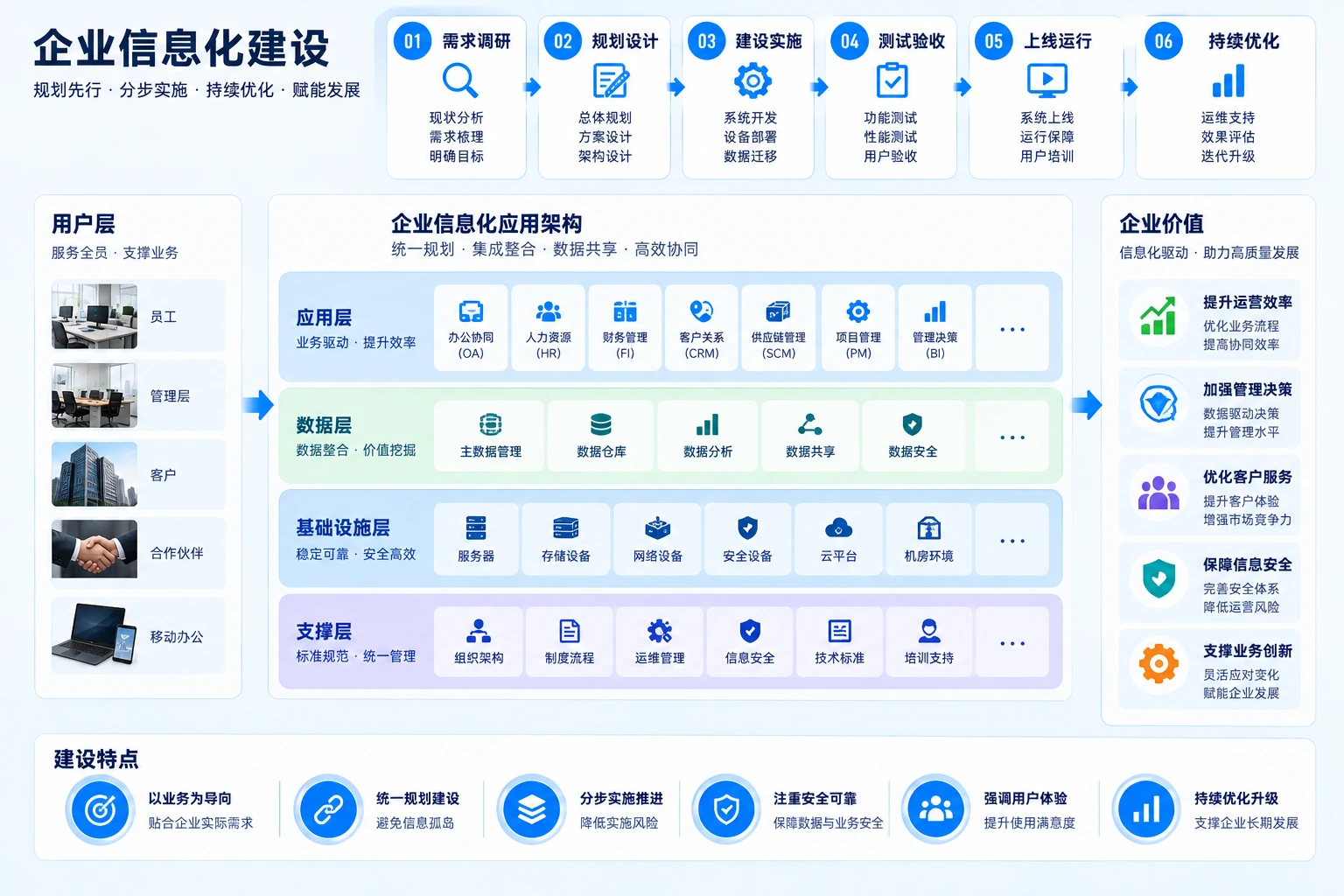
05Phased delivery
Build in phases, deliver step by step
Move from current needs to solution, integration testing and acceptance in confirmed phases and windows so results can be checked, handed over and maintained.
- 01
Current state and needs
Review workflows, systems, interfaces, data and ownership to confirm the real build scope.
Output: requirements list and baseline inventory - 02
Solution and preparation
Confirm application boundaries, selection rationale, configuration baseline, permissions and implementation window.
Output: blueprint and implementation baseline - 03
Integration and go-live
Coordinate interface testing, data migration, business validation and issue records.
Output: integration and acceptance record - 04
Operations and handover
Hand over operating records, contacts, change paths and follow-up optimization items.
Output: operations records and handover basis
06Discuss the next steps
Discuss your systems build
Start with the systems in use, the broken handoffs, business goals and launch window; we can define the scope and path against the real conditions.
Licensing, custom development, migration depth and continuing service follow confirmed goals and ownership boundaries.13918914454