

Enterprise IT · daily support
IT managed services
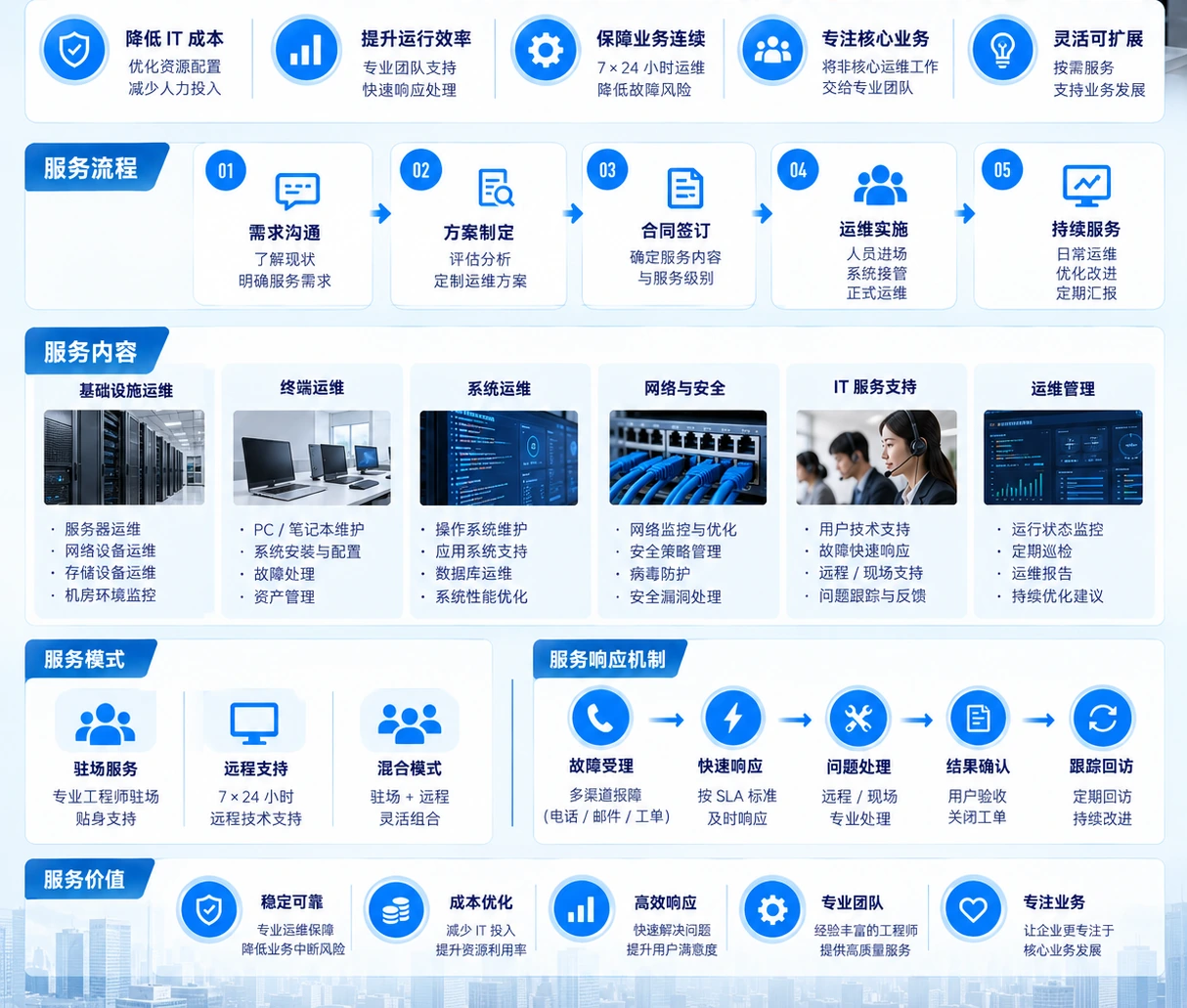
Daily support for networks, servers and endpoints, with incidents and changes coordinated within an agreed scope.
Coverage and operating scope
Which work can be included in support?
Office and endpoints
Organize daily support, issue diagnosis and on-site coordination around workplaces, user endpoints and site conditions.
Networks and connectivity
Review network devices, links, wireless conditions and access relationships so issue handling goes beyond one endpoint.
Servers and storage
Maintain baseline records, health checks and change coordination for servers, file storage and backup environments.
Business systems and operating environments
When a business, production or recovery environment has an issue, coordinate infrastructure, applications and vendors around the boundary.

On-site and remote coordination
On-site and remote coordination by the issue.
Some issues need an on-site check, some suit remote collaboration, and some changes need a separate project scope.
Remote support
Coordinate diagnosis around status, logs, configuration and impact.
On-site support
Confirm the issue and maintenance conditions around equipment, ports, cabling and space.
Scoped project work
Confirm a separate scope when migration, version changes or network adjustments are needed.
A continuous service record
One response, with a complete record.
The record follows the work: describe impact, record handling and changes, verify the result, then hand over to the next operations owner.
- 01Issue intake
Capture symptoms, affected environments and business impact, then confirm the collaboration entry point.
- 02Diagnosis and handling
Diagnose and handle the issue across equipment, networks, systems and vendors.
- 03Recovery verification
Check access, operating state and affected paths against the agreed scope.
- 04Record and prevent
Keep handling records, necessary changes and follow-up considerations.
Before service starts:Complete an environment inventory, confirm contacts, maintenance windows and vendor relationships, then agree the support boundary.
Back to enterprise IT servicesNext step
Start with the current environment.
Bring the current topology, servers, endpoints, backup or active issue to the conversation.
Discuss a support plan