
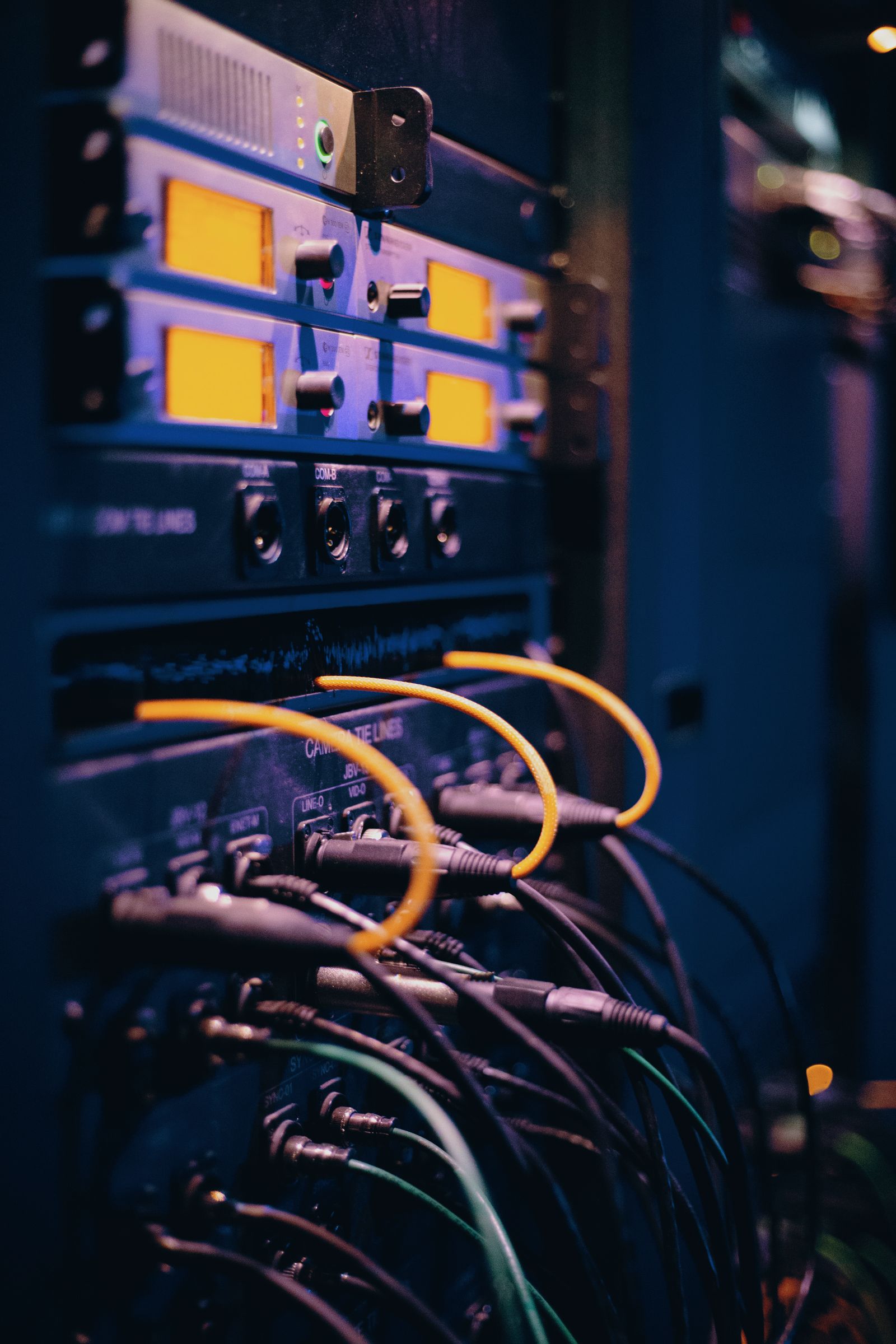
Enterprise IT services / network equipment, switching and routing
Network equipment
and switching & routing
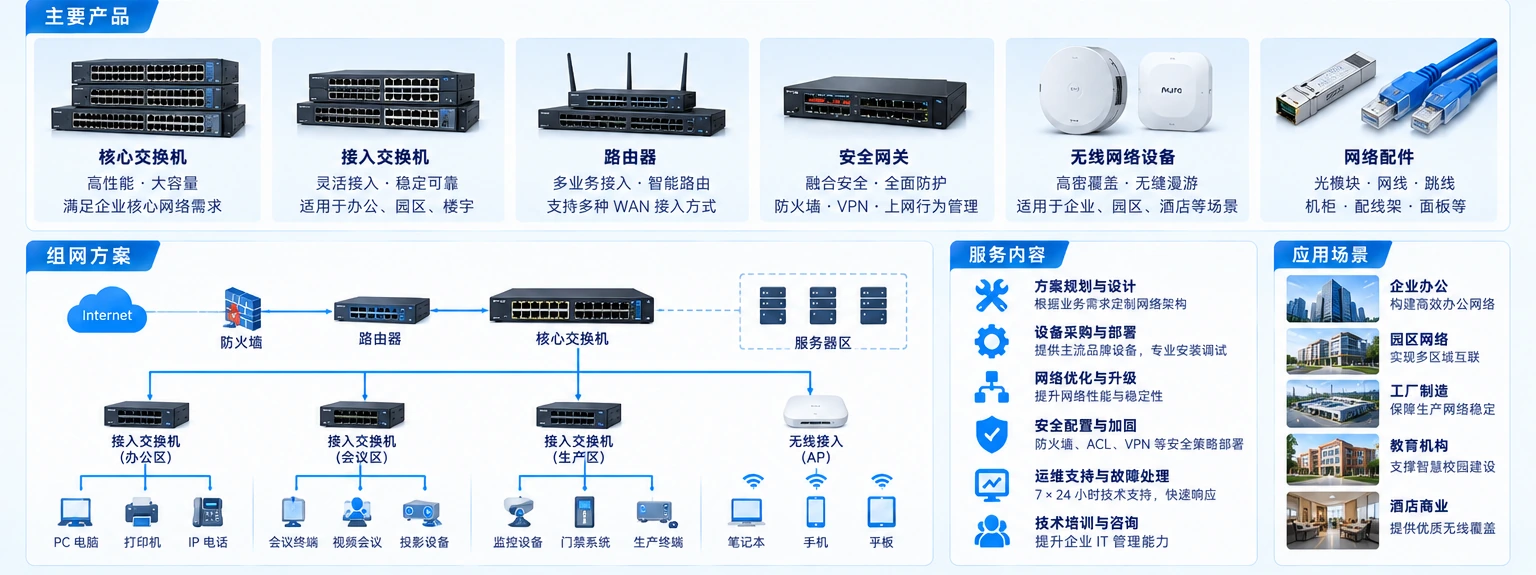
Yuqi Intelligent supplies switches, routers and related equipment, with selection, quotation, delivery, installation, configuration and maintenance around the actual network need.
From internal connections to inter-network links
Put the equipment back into
the real network relationship.
Switches, routers, gateways and links must be judged through rack, port, uplink, address and segmentation relationships. Internal connections determine how endpoints reach servers, wireless and office systems; inter-network links determine communication between sites, branches, facilities and external paths.
Using multi-brand channel resources, Yuqi organizes equipment needs into a checkable selection list, configuration comparison, supply plan and implementation path.
Connection relationships / network path
From endpoint to routing exit,
every hop is clear.
The animation explains relationships; implementation still follows site survey, equipment list, addressing, configuration confirmation and test records.
The path is endpoint to access switch, access switch to aggregation core, and core to routing exit; the exit then connects to an inter-network or controlled external path.
Selection · supply · implementation · maintenance
Equipment and services from Yuqi
Equipment supply is the starting point. We put multi-brand selection, configuration comparison, quotation, supply and site implementation on one working line so conditions and boundaries can be checked and delivery evidence retained.
Equipment sales and supply
Use multi-brand channels to compare configurations and arrange quotation and supply for the confirmed scope, quantity and schedule.
Multi-brand selection
Compare brands against the existing environment, ports and uplinks, power, management and maintenance conditions.
Configuration list and quotation
Put equipment roles, interfaces, accessories, licenses and service boundaries into the list to reduce ambiguity.
Installation and configuration
Rack, cable and configure equipment against confirmed rack, link and address relationships.
Cutover and verification
Within the agreed window, test integration, connectivity, segmentation, uplinks and representative access, keeping the results.
Maintenance and change coordination
Support later network maintenance with configuration backups, port labels, change records, diagnosis and capacity conditions.
Selection and implementation inputs / checklist first
Select equipment and installation conditions together.
Use these dimensions with the customer to confirm roles, installation, network relationships and delivery scope before forming a clear configuration list and quotation.
Submit a network equipment need
Implementation path / delivery path
Install, configure and cut over into a maintenance loop.
- 01
Site and list confirmation
Check roles, interfaces, rack, links, addresses, window and ownership boundaries.
- 02
Installation and baseline configuration
Complete racking, cabling, labels, management access and confirmed baseline configuration.
- 03
Cutover, verification and rollback
Integrate and switch within the planned window, test representative paths and retain rollback conditions and results.
- 04
Handover and ongoing maintenance
Hand over ports, configuration, tests and changes to support inspection, incidents and expansion.
Delivery baseline / operating baseline
Keep the network maintainable after delivery.
The actual scope follows confirmed equipment, site, configuration and implementation conditions; the records, results and ownership boundaries are handed over together.
- Equipment and port relationships
- Address, VLAN and routing baseline
- Cutover, connectivity and segmentation verification
- Configuration backup, change record and maintenance entry
Next step / next connection
Start with the existing equipment or network issue.
Bring the existing switching and routing equipment, rack conditions, expansion plan or recurring issue; we can then confirm selection and implementation around the real scope.