
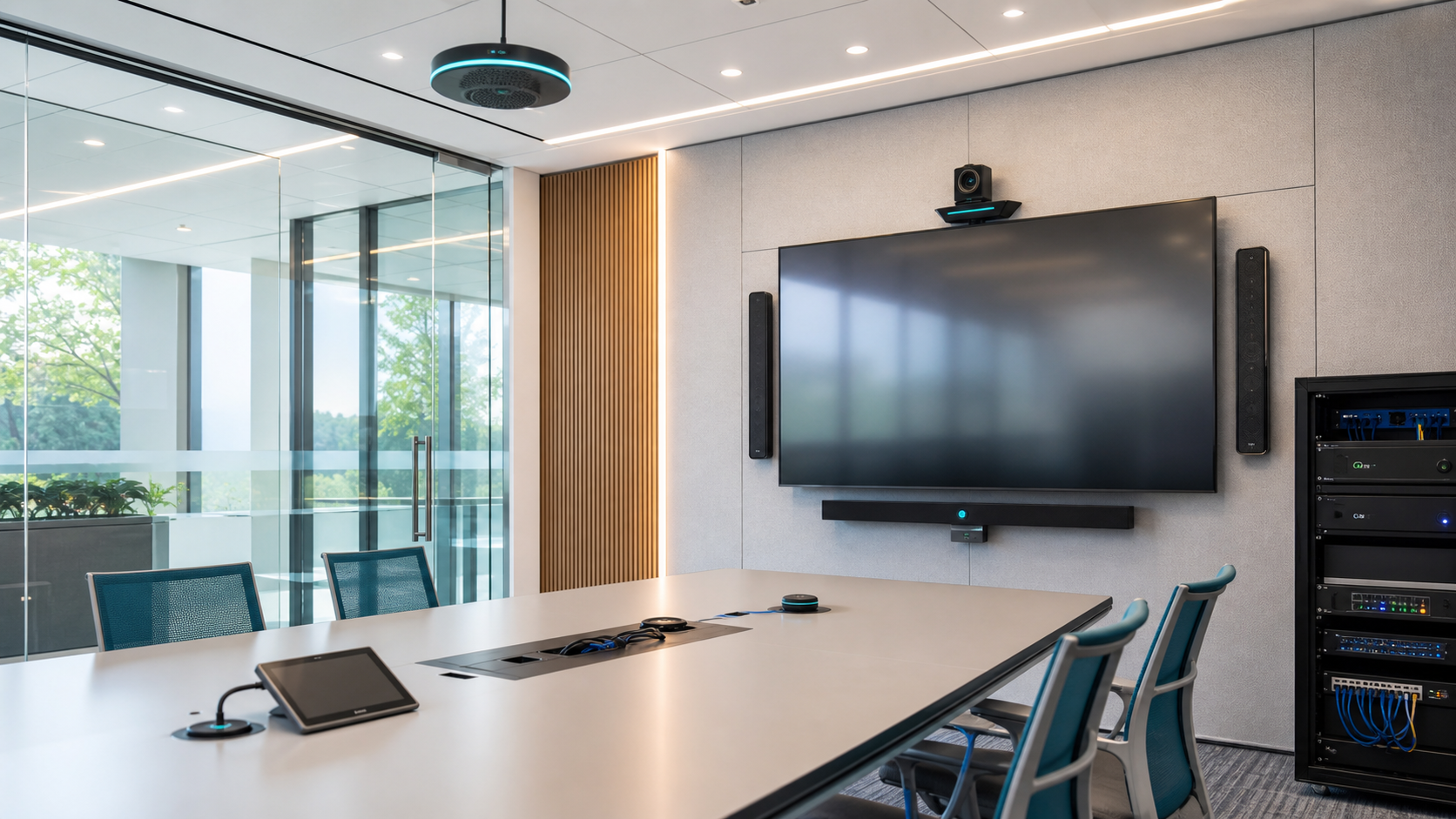
See each other
Arrange cameras and displays around the room, viewing method and participants.
Low-voltage & intelligent engineering / Meeting spaces
Organize room audio, video, display and remote connection into a system people can use.
The meeting experience starts in the room and is proven at the remote end.
System path
Video conferencing has to coordinate space, audio capture, cameras, displays, network access and remote participants. A clear system path keeps the meeting from depending on one device.
People, viewing and pickup range
Sound and images enter the system
Access, control and collaboration
Local participants see and hear
Connect another group of participants
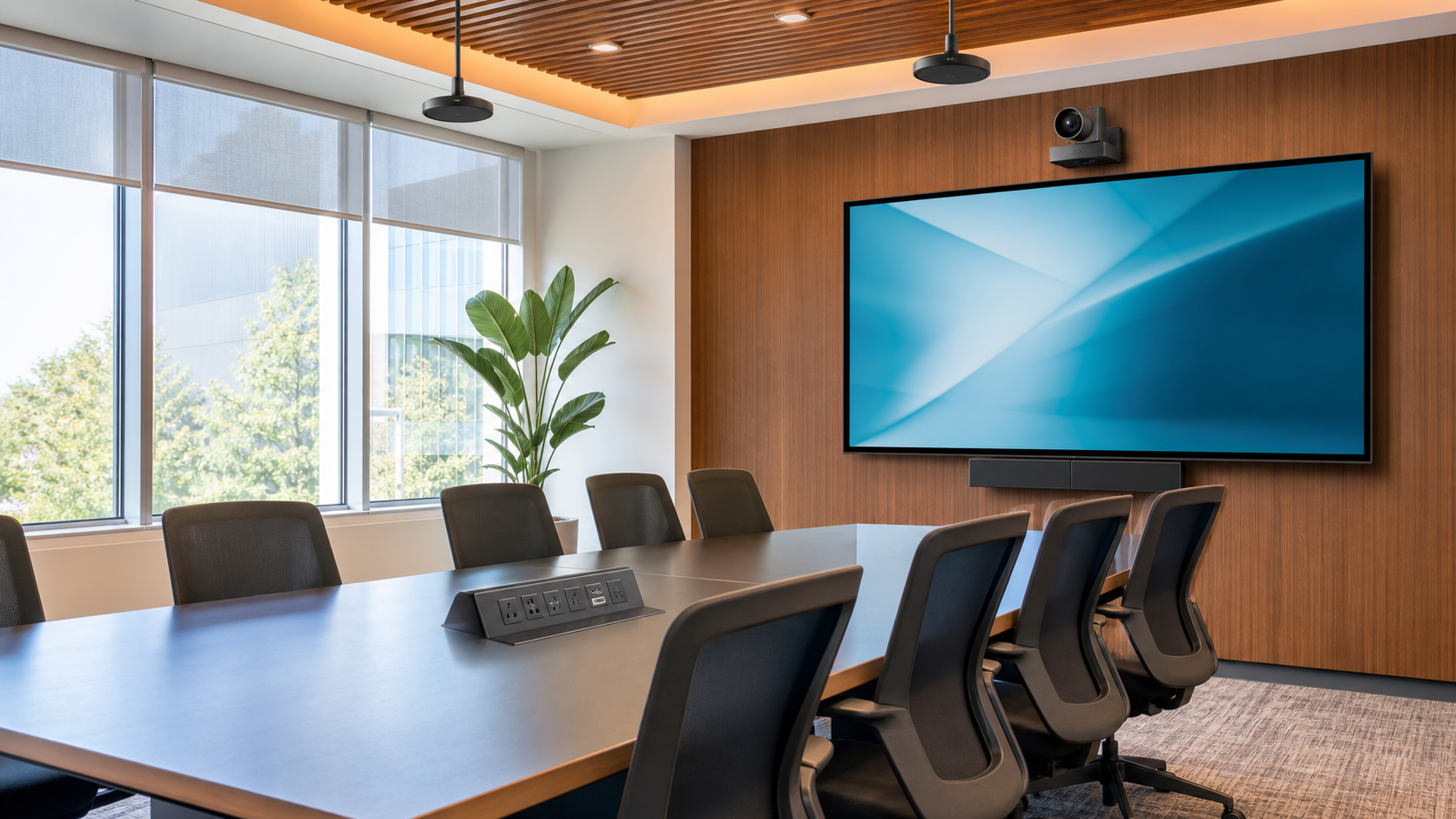
Space assessment
Room size, participant count, viewing method, pickup range, lighting and cabling conditions shape the combination of cameras, microphones, speakers, displays and controls.
Arrange cameras and displays around the room, viewing method and participants.
Organize microphones, speakers and audio paths around the space and pickup range.
Bring internal meeting systems, cloud platforms, enterprise endpoints and personal devices into one access decision.
Audio, video and access
A conferencing endpoint is not an isolated center. It has to be verified together with cameras, microphones, speakers, displays, network access, platform accounts and control methods.
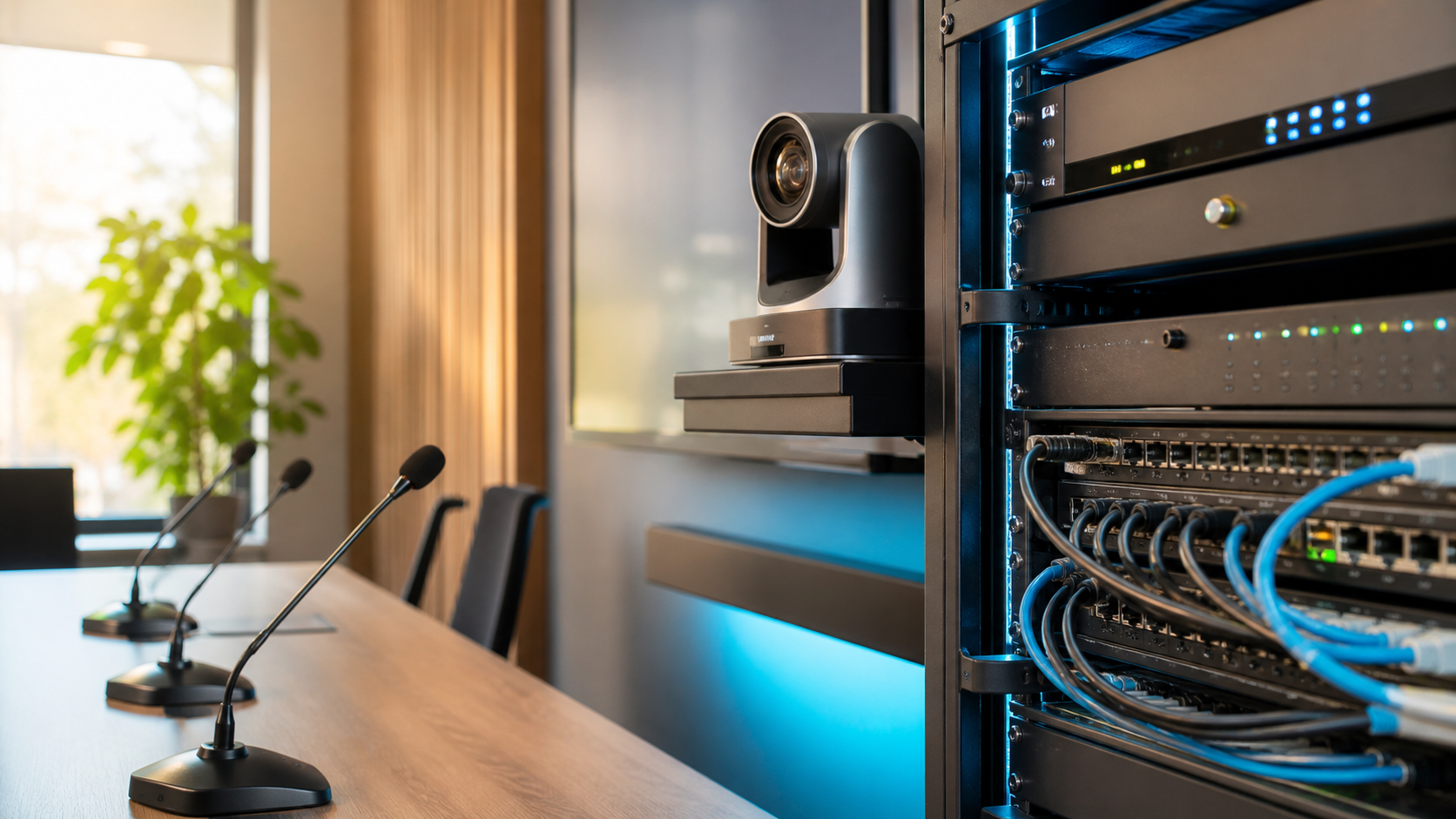
Delivery
Understand participants and collaboration first, then deploy equipment, connect the platform, configure access and verify the scenario—leaving material for the next meeting.
Confirm meeting type, space, participants and existing platform.
Set audio, video, endpoint, network, account and control methods.
Install equipment, connect the platform, configure access and run integration tests.
Test, train and close issues through a real meeting scenario.
Handover and maintenance
Handover includes more than equipment installation: it includes connection relationships, access notes, test records, operating training and fault-handling material.
Talk to a technical consultantKeep space, equipment and signal relationships reviewable.
Give different meeting modes a clear way in.
Keep the results of real meeting validation.
Make later use and fault location less dependent on one person.
Next step
Share the meeting space, current platform, audio-video conditions or current use issue. We will continue to map the practical scope.